How to Log in to KarmaAxis?
Logging into KarmaAxis is quick and secure. Follow these simple steps to access your account:
1. Receiving Your Credentials
- Your KarmaAxis administrator will create your account.
- You'll receive an email containing your login details:Email address
- Temporary password
- Link to the KarmaAxis login page
2. Open the Login Page
- Launch your preferred web browser (e.g. Google Chrome, Mozilla Firefox, Safari) on your desktop, laptop, tablet or smartphone.
- Type the following URL into the search bar: https://app.karmaaxis.in/
- Bookmark this page for quick access in the future.
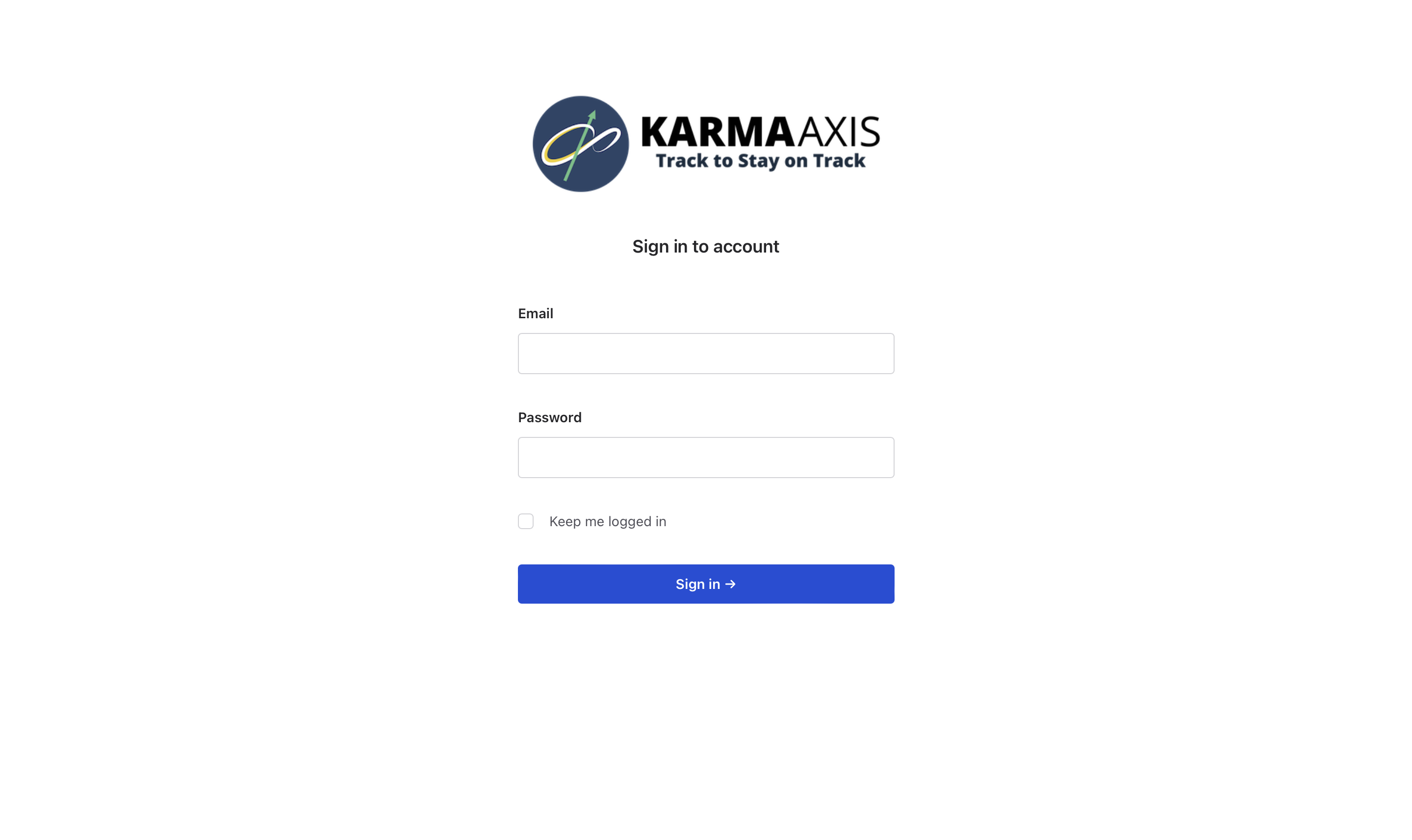
- You will see a screen like the one above with fields to enter your credentials.
2. Enter Your Email Address
- In the Email field, enter the email address provided by your administrator.
- Ensure the email is correctly typed to avoid login issues.
3. Enter Your Password
- Type your password into the Password field.
- If this is your first time logging in, use the temporary password provided in your email.
- Passwords are case-sensitive, so make sure to enter them exactly as provided.
4. Keep Me Logged In (Optional)
- Check the box labeled Keep me logged in, if you are using a trusted device.
- This option allows you to stay signed in without needing to re-enter your credentials every time you access the platform.
5. Click on Sign In
- Once your email and password are correctly entered, click the blue Sign In button.
- You’ll be taken directly to your KarmaAxis dashboard.
6. Forgot Your Password?
- If you can't remember your password, click on "Forgot your password?" on the login page.
- Enter your registered email address and follow the instructions sent to your email to reset your password.
7. Using KarmaAxis on Multiple Devices
- You can access KarmaAxis from multiple devices using the same login credentials.
- Whether you are switching between a desktop and mobile, your tasks and data will be synced across all platforms, allowing seamless access and management of your work.
8 . KarmaAxis App
- For quick, browser-free access, you can install the KarmaAxis App as a PWA.
- Detailed instructions are provided in the next section.
Notes:
- Always ensure you have an active internet connection while logging in.
- For security, log out when using a shared or public device.
Quick Summary:
- Use the credentials (email and password) provided by your administrator to log in.
- Double-check your email and password for accuracy.
- For security reasons, only use the Keep me logged in option on trusted devices.
- Consider using the KarmaAxis PWA for streamlined access..
- If you need further assistance, please contact your administrator if you need help recovering your password.
This straightforward process ensures quick and secure access to your KarmaAxis account.